
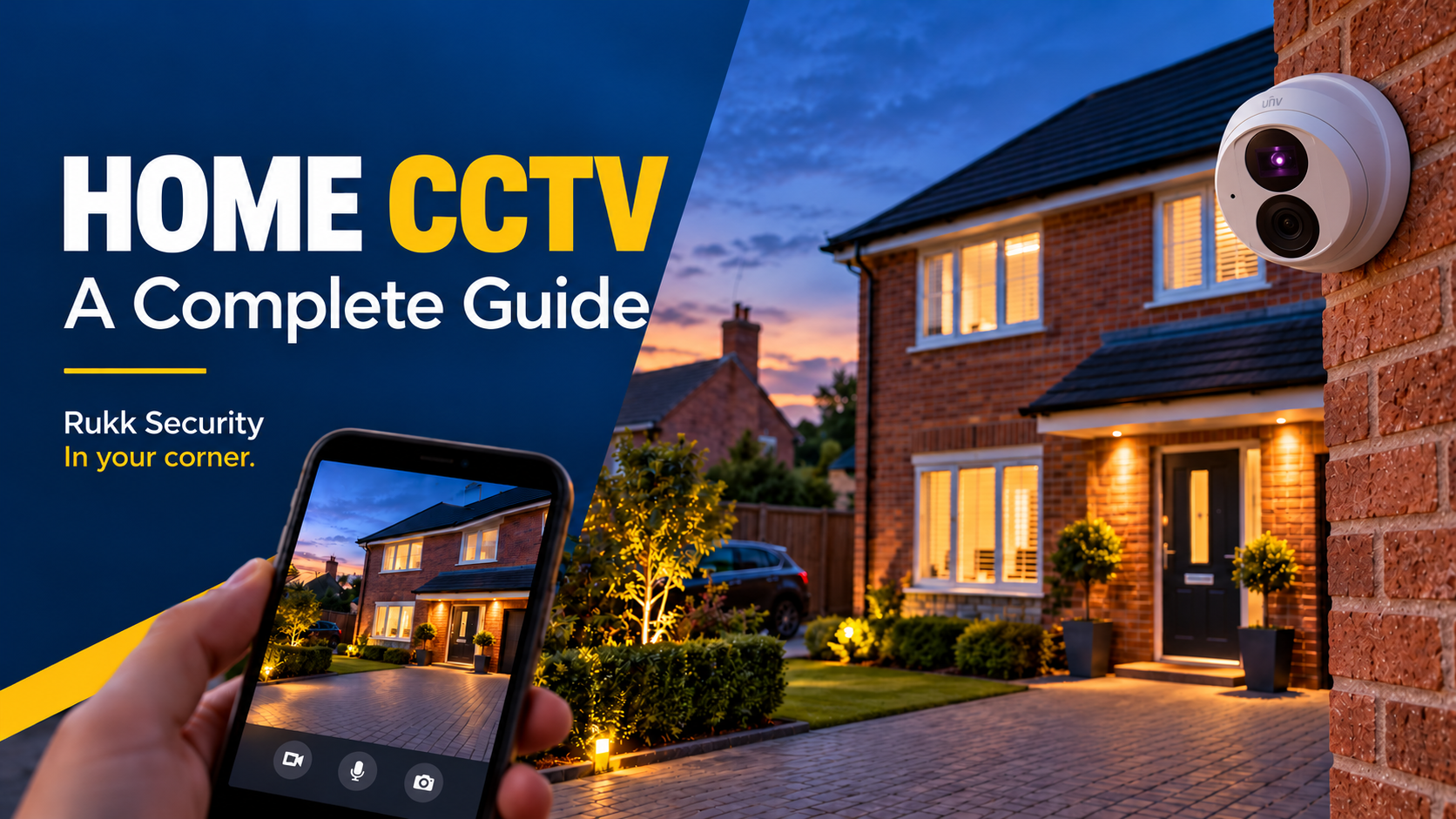
A well-planned home CCTV installation deters burglars, gives you evidence if something does happen, and lets you check on your property from anywhere. A badly planned one gives you grainy footage, blind spots and a possible complaint from the neighbours.
This guide walks through everything a UK homeowner needs to know before a home CCTV installation: planning what to protect, choosing equipment, placing cameras, running cables, staying on the right side of the law, and deciding whether to do it yourself or call a professional.
Step 1: Plan around the risks, not the cameras
Start by walking the property and asking where someone would actually get in, and what you most want to see. Most domestic burglaries happen through the front or back door, so those come first, followed by ground-floor windows, side gates, garages and outbuildings.
Before you buy anything, decide what each camera is for. There are three different jobs, and they need different set-ups:
- Deterrence: visible cameras at the front and rear that tell intruders they are being recorded.
- Identification: a camera close enough, and at the right angle, to capture a face at a door or gate.
- Awareness: a wider view of the drive, garden or street-facing side so you know what is happening.
For a typical three-bed house, four cameras covers the front door, rear door, driveway and side access. Larger or more exposed properties, such as detached homes, long drives or outbuildings, may need six to eight.
Step 2: Choose the right type of system
For most homes, a wired PoE (power over ethernet) system with a network video recorder (NVR) is the most reliable choice. Wireless and battery cameras are easier to fit but have trade-offs.
| Wired PoE + NVR | Wi-Fi / battery cameras | |
|---|---|---|
| Reliability | Very high, no dependence on Wi-Fi signal | Varies with signal and battery |
| Installation | Cables need routing | Quick, little or no cabling |
| Recording | Local hard drive, optional cloud | Usually cloud subscription or SD card |
| Running costs | None beyond electricity | Often a monthly subscription |
| Best for | Permanent, whole-property coverage | Renters, quick fixes, hard-to-wire spots |
Whatever you choose, check these specifications:
- Resolution: 4MP (2K) is a sensible minimum, and 8MP (4K) helps at gates and long drives. More pixels only help if the lens and sensor are good.
- Night vision: infrared range suits dark areas, while colour night vision (with a small light) gives more useful footage of clothing and vehicles.
- Storage: a 2TB drive typically holds a few weeks of footage from four cameras, depending on resolution and motion settings.
- Weather rating: look for IP66 or higher for outdoor cameras.
- Smart detection: person and vehicle detection cuts false alerts from cats, trees and passing traffic.
Step 3: Place cameras for a reliable home CCTV installation
Placement matters more than camera quality. The aim is a clear, usable view of faces and vehicles, not a wide picture of a distant, dark garden.
- Height: mount cameras around 2.5 to 3 metres up, high enough to be out of easy reach but low enough to see faces rather than the tops of heads.
- Angle: point cameras slightly downward and avoid shooting straight into the sun, street lights or reflective glass, which wash out the image.
- Front door: cover the approach as well as the door itself, so you get a face before the person reaches the porch.
- Rear and side access: back doors, patio doors and side gates are the quiet routes burglars favour, so don’t leave them uncovered.
- Lighting: good lighting improves footage and deters intruders. Motion-activated floodlights work well alongside cameras.
- Keep cameras out of reach: a camera a person can reach is a camera that can be knocked, covered or stolen.
After fitting, test every camera at night and in bright daylight, and walk the full approach to check you have no blind spots.
Step 4: Cabling, power and weatherproofing
A PoE system needs only one network cable (Cat5e or Cat6) per camera, carrying both power and video back to the recorder. That keeps the outdoor side low voltage, which is one of its biggest advantages over mains-powered cameras.
- Cable routes: run cables through the loft, soffits or wall cavities where possible, and use proper conduit or trunking where they must be exposed. Cables hanging down a wall are easy to cut.
- Entry points: drill through external walls at a slight upward angle so water cannot run back inside, and seal every hole.
- Connections: use weatherproof junction boxes for any outdoor joins, and never leave a connector exposed to rain.
- Cable length: Ethernet runs are limited to about 100 metres, so plan the recorder’s position with that in mind.
- Recorder location: keep the NVR somewhere hidden, ventilated and not easy to reach. If someone takes the recorder, they take the evidence with it.
- Mains power: the recorder and any floodlights need a power supply. New circuits or spurs should be installed to the Wiring Regulations (BS 7671) and be notified where required under Part P, so use a qualified electrician for anything beyond plugging in.
Step 5: Know the law before you switch on
In the UK you do not normally need planning permission or a licence to install domestic CCTV, but there are rules about what your cameras can capture.
- Your own property only: if your cameras cover only your own home and garden, data protection law generally treats it as personal household use.
- Neighbours and public spaces: if a camera captures a neighbour’s property, a shared drive, or a public road or pavement, you are likely to fall under UK GDPR and the Data Protection Act 2018. You then need a lawful reason, should be able to justify the coverage, and must handle footage responsibly. The Information Commissioner’s Office (ICO) publishes guidance for domestic users.
- Reduce intrusion: angle cameras away from neighbours, and use privacy masking in the camera settings to block out areas you should not record.
- Signage: a clear sign saying CCTV is in operation is good practice and helps deterrence. It is essential if you capture beyond your boundary.
- Audio: recording sound is more intrusive than video, so turn it off unless you have a strong reason.
- Footage: keep recordings only as long as you need them, store them securely, and be prepared to share relevant footage with the police if asked.
- Listed buildings and conservation areas: fixing equipment to a listed building, or in some conservation areas, may need consent, so check with your local council first.
- Rented homes: get your landlord’s written permission before fixing anything to the building.
This section is general information, not legal advice. If you are unsure whether your set-up falls under data protection law, check the ICO’s guidance or speak to a solicitor.
Step 6: Standards, quality and insurance
The “UL-listed” labels you see on American guides do not apply here. In the UK, the relevant benchmarks are different.
- Equipment standards: look for CE or UKCA marking and for equipment designed to the BS EN 62676 series, the European standard for video surveillance systems used in security.
- Installation standards: professional installers work to relevant British Standards and industry codes of practice, and test the system after fitting.
- Accreditation: some installers are inspected by independent bodies such as SSAIB or NSI. Insurers sometimes ask for accredited installation on higher-value or commercial properties, so check your policy.
- Insurance: tell your home insurer about the system. It can help with premiums, and some policies set conditions for alarms and cameras.
- Cyber security: a network camera is a computer on your network. Choose a brand with regular firmware updates, avoid unbranded bargain kit, and change default passwords on day one.
DIY or professional home CCTV installation?
DIY can work for a simple one- or two-camera set-up on an easy wall. For a whole-property system, a professional install usually saves money and frustration in the long run.
| DIY | Professional install | |
|---|---|---|
| Typical cost (approximate, 4 cameras) | £200 to £600 for equipment | £800 to £2,000 including equipment and fitting |
| Time | A weekend or more | Usually one day |
| Cabling | Visible runs are common | Concealed and weatherproofed |
| Camera positions | Often compromised by cable access | Planned for coverage and image quality |
| Warranty and support | Equipment only | Workmanship plus equipment |
| Legal and electrical compliance | Down to you | Covered by the installer |
Costs vary with property size, cable routes, brand and storage, so treat these figures as a rough guide and get a written quote.
The most common DIY problems are cameras fitted where cables are easy to reach, poor night footage from bad positioning, water getting in at cable entries, and systems left on default passwords. A good installer will have seen all of these and designs around them.
Keeping your system working
CCTV only helps if it is recording when you need it. A few habits keep it that way:
- Check each camera’s live view and a sample of recorded footage monthly.
- Wipe lenses and clear cobwebs, especially on cameras with infrared night vision.
- Install firmware updates and keep strong, unique passwords with two-factor authentication on remote access.
- Confirm the hard drive is recording and has not filled or failed. Drives wear out, typically within a few years of continuous use.
- Trim vegetation that grows into a camera’s view.
Home CCTV installation: frequently asked questions
Do I need planning permission for home CCTV? Usually not, though listed buildings and some conservation areas can be exceptions.
Can I point a camera at my driveway? If the driveway is on your property, yes. If the view takes in the road, pavement or a neighbour’s property, data protection rules are likely to apply.
Is wired better than wireless? For a permanent whole-home system, wired PoE is more reliable. Wireless suits quick or temporary solutions.
How long should I keep footage? Only as long as you need it. Many homeowners keep a few weeks, then let it overwrite.
Will CCTV lower my insurance? It can help, but it depends on your insurer, so ask before you assume.
Get it done right the first time
A home CCTV installation is a long-term investment in your security. If you would rather have it planned, installed and tested properly, Rukk Security designs and fits residential CCTV across Leeds and West Yorkshire, alongside intruder alarms, access control and intercoms. Visit rukk.co.uk to ask for a free quote.
Leave a Reply